
Published February 4, 2026
Diarization: A powerful way to turn recordings into answers
5 min read

Amandine Cami
Commercial Director

Table of contents
Have questions or want a demo?
We're here to help! Click the button below and we'll be in touch.
Get a Demo
AI Summary by QAnswer
👇 Before we dive in, here’s a quick video showing diarization in action:
The real problem with audio/video recordings
Let’s be honest.
Audio recordings are everywhere:
- Meetings
- Interviews
- Podcasts
- Customer calls
- Internal briefings
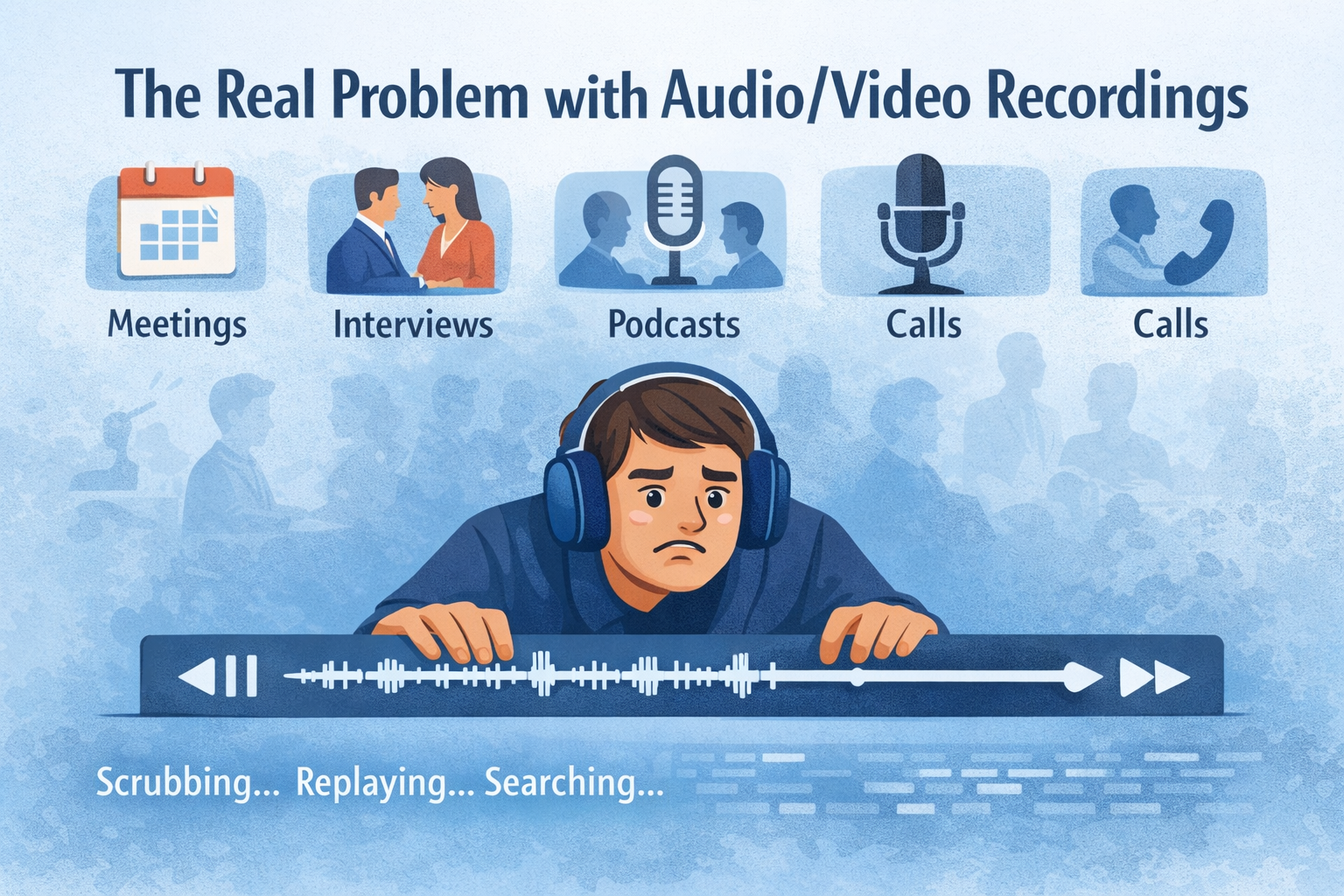
They’re packed with valuable information. Decisions, commitments, insights, answers — all spoken out loud.
But when you actually need one specific answer, what happens?
You scrub timelines. You replay sections. You guess where something was said. You waste time.
Audio is rich in knowledge, but painfully hard to access. That’s the gap Diarization fills.
What is diarization? (In simple terms)
Diarization is an AI technique that automatically detects who spoke when in an audio or video recording.
Instead of getting a wall of text, you get:
- Clear speaker separation
- A transcript broken down by who said what
- Structured conversations you can search, analyze, and ask questions about
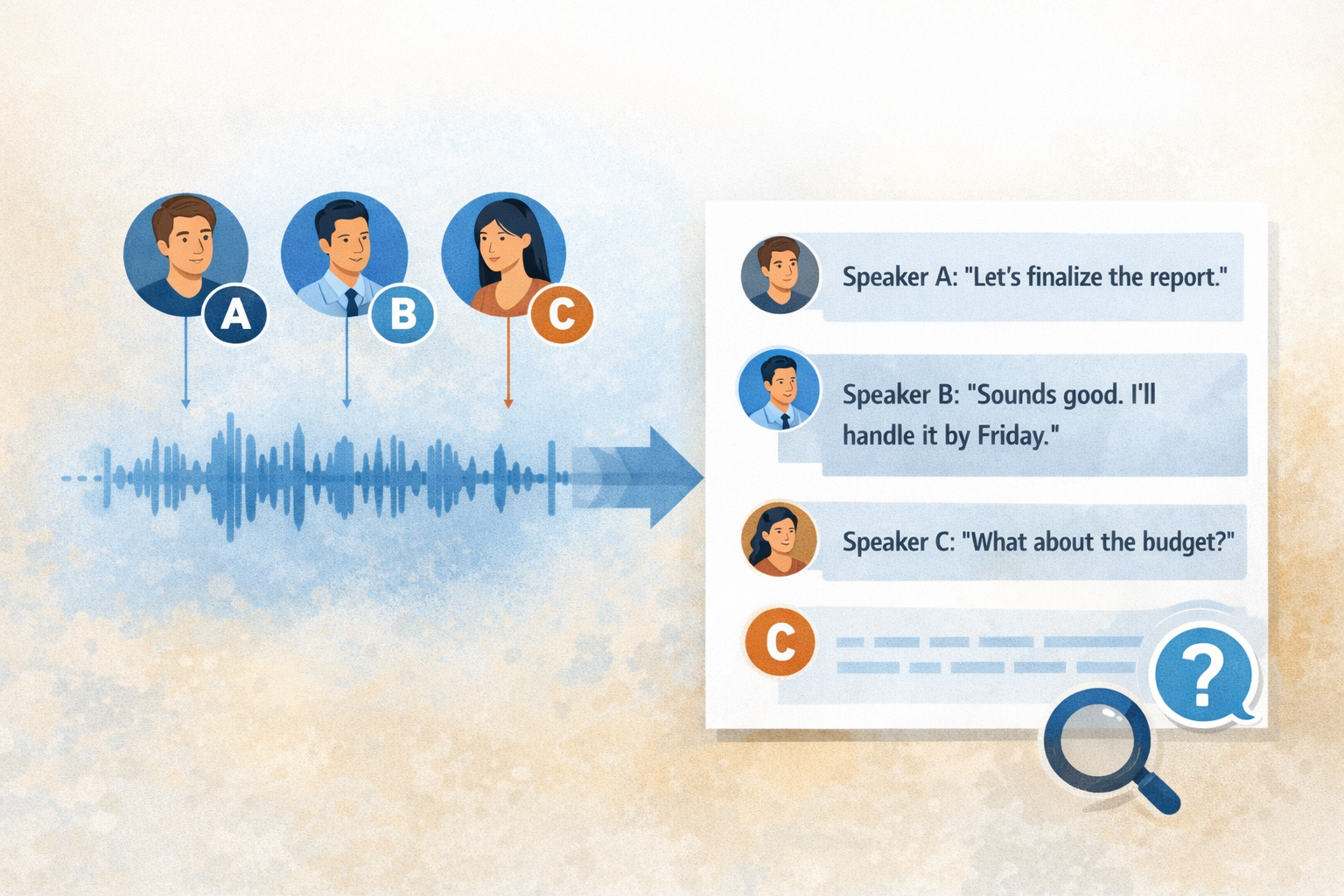
In short, diarization turns conversations into usable knowledge.
If transcription tells you what was said, diarization tells you who said it — and that difference matters more than most people realize.
How speaker diarization works behind the scenes
You don’t need to be technical to understand the value, but knowing the basics helps.
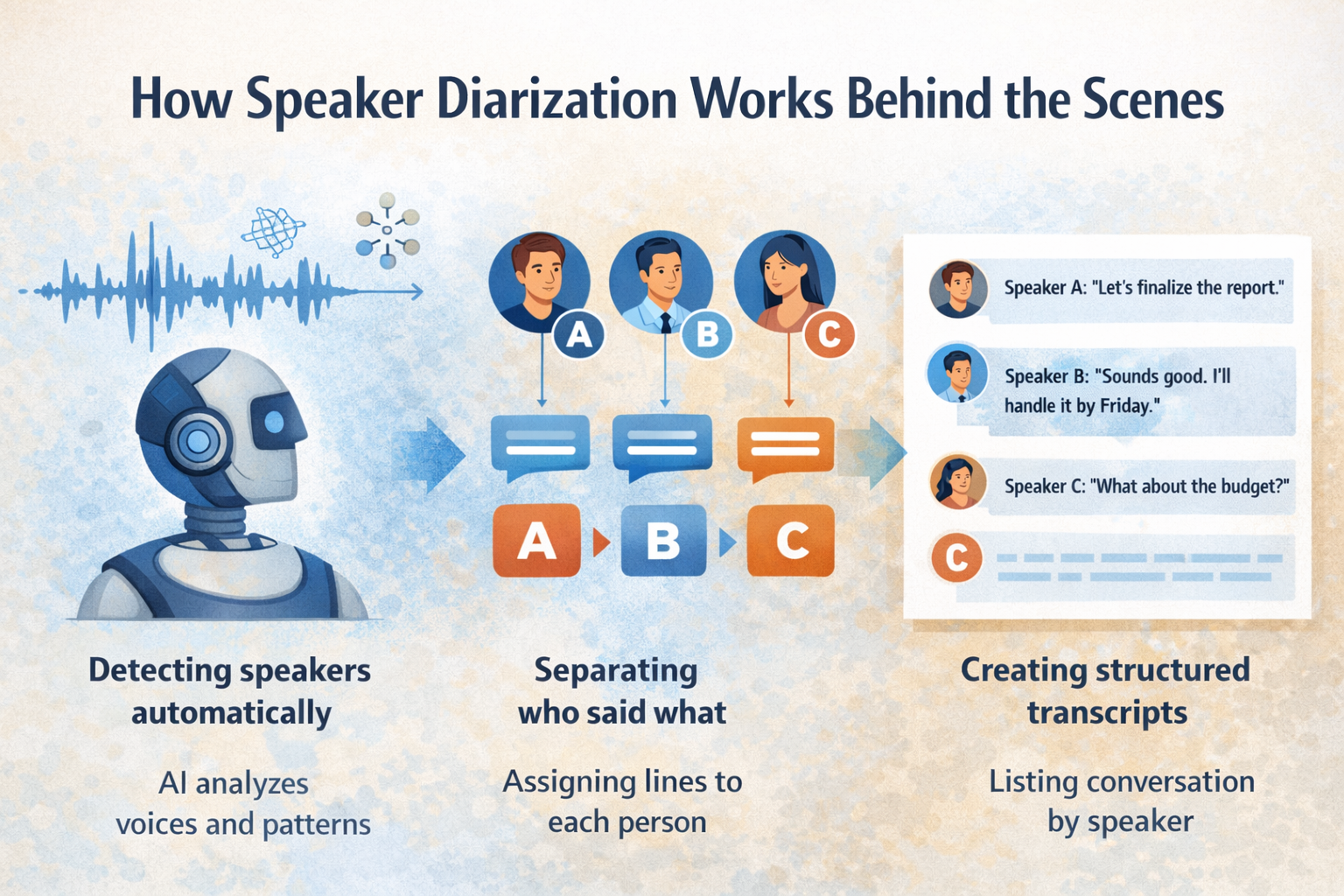
Detecting speakers automatically
AI models analyze voice patterns, tone, and timing to identify different speakers — even if no one introduces themselves.
Separating who said what
Once speakers are detected, the system segments the conversation, assigning each sentence or phrase to the correct person.
Creating structured transcripts
The result is a clean, readable transcript where every line has context:
- Speaker A said this
- Speaker B responded with that
That structure is what unlocks real usefulness.
From audio to answers: why diarization changes everything
Here’s the shift diarization enables:
❌ “Let me re-listen to that meeting.”
✅ “Who agreed to deliver this by Friday?”
❌ “I think the customer mentioned pricing.”
✅ “What exactly did the customer say about pricing?”
With diarization, audio stops being something you replay and becomes something you query.
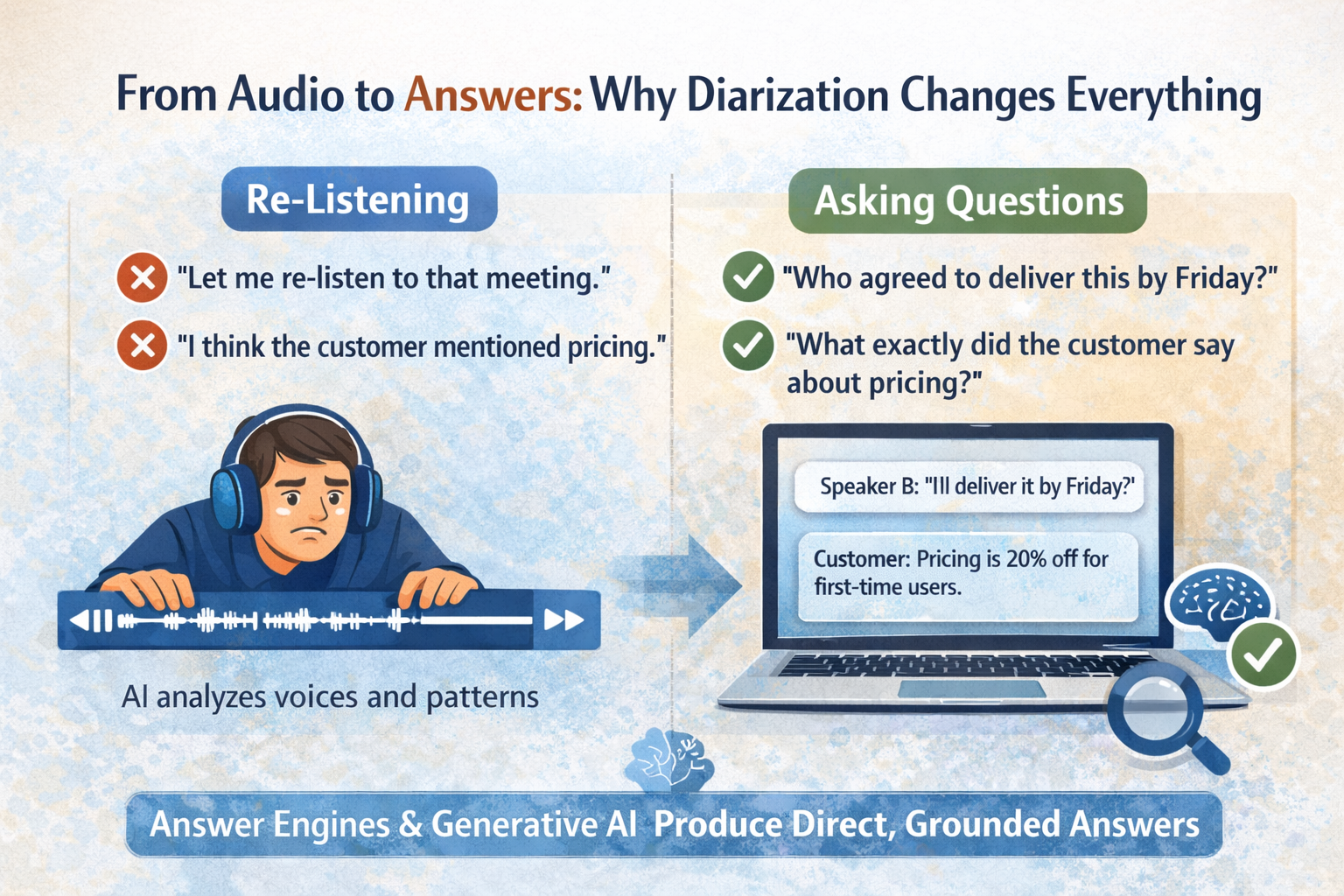
This is where answer engines and generative AI come into play. When conversations are structured correctly, AI can generate direct, grounded answers instead of vague summaries — similar to how an AI PDF summarizer extracts key points from written documents.
That’s why diarization is foundational for SEO, AEO, and GEO-driven knowledge systems.
How QAnswer uses diarization to let you talk to your audio
This is exactly the problem QAnswer set out to solve.
Instead of forcing people to listen again, QAnswer lets them talk to their recordings.
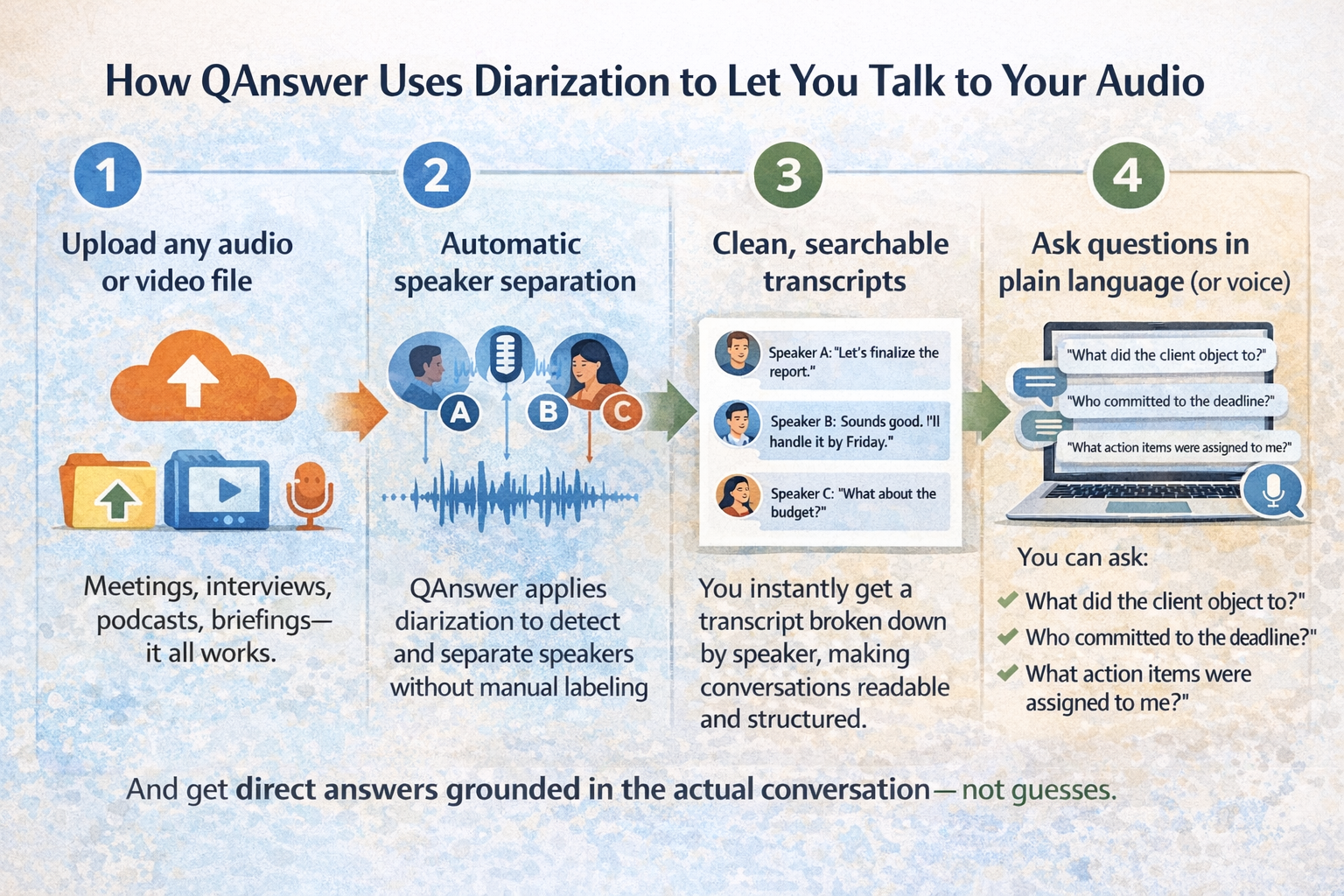
Here’s how it works in practice:
1. Upload any audio or video file
Meetings, interviews, podcasts, briefings — it all works.
2. Automatic speaker separation
QAnswer applies diarization to detect and separate speakers without manual labeling.
3. Clean, searchable transcripts
You instantly get a transcript broken down by speaker, making conversations readable and structured.
4. Ask questions in plain language (or voice)
You can ask:
- “What did the client object to?”
- “Who committed to the deadline?”
- “What action items were assigned to me?”
And get direct answers grounded in the actual conversation — not guesses.
You can try it yourself here: 👉 https://www.app.qanswer.ai/
Real-world usecases of diarization
Diarization isn’t theoretical. People are already using it in very practical ways.
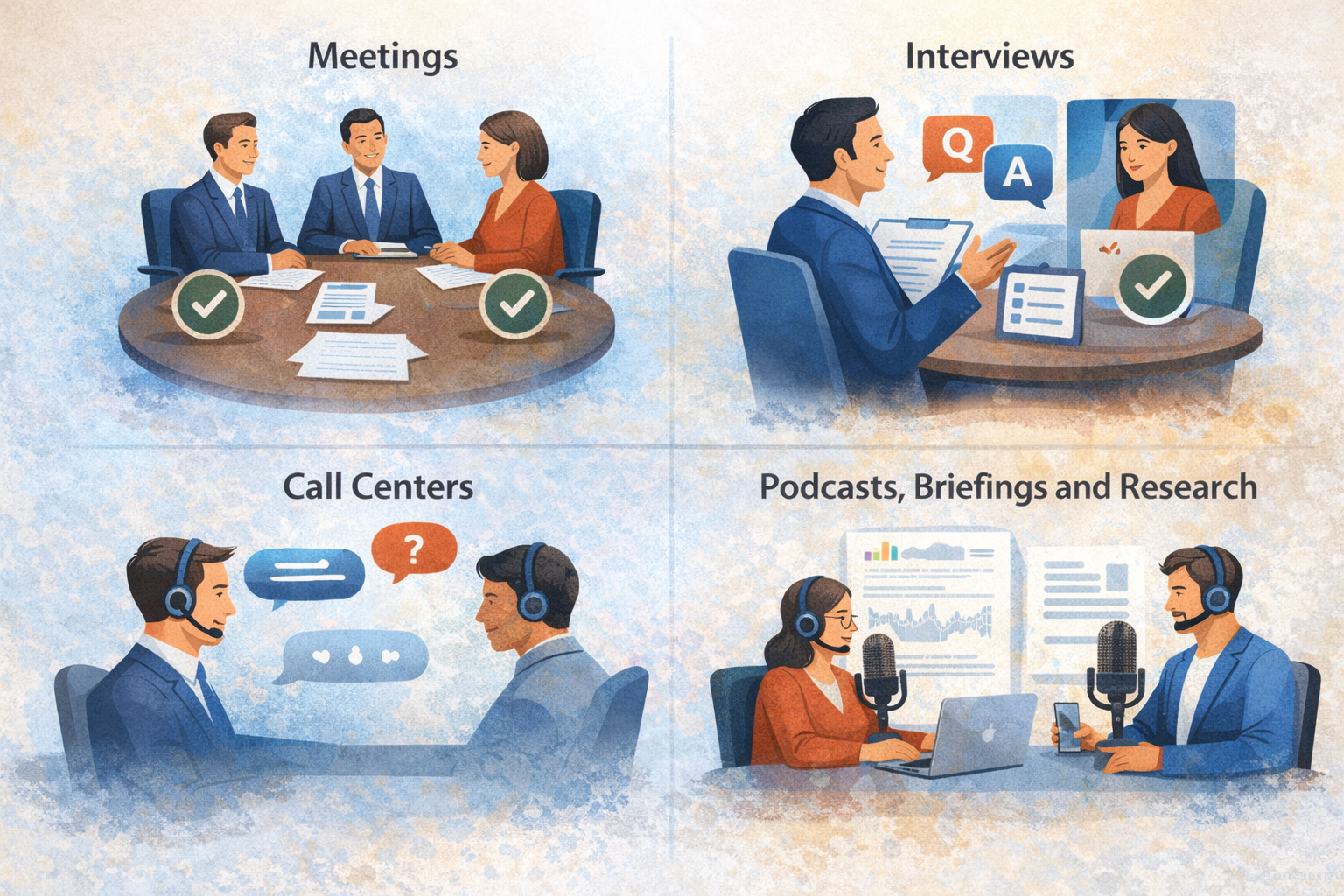
Meetings
No more rewatching hour-long calls.
- Identify decisions
- Track commitments
- Know exactly who said what
Interviews
Perfect separation between:
- Interviewer questions
- Interviewee answers
This makes reviewing, quoting, and analyzing interviews dramatically easier.
Call Centers
Instant clarity on:
- What the agent said
- What the customer said
- Where issues or misunderstandings happened
Podcasts, Briefings and Research
Any recording where speaker context matters benefits from diarization.
If you’ve ever thought “I know the answer is in there somewhere”, diarization is what gets you to it.
Why open-source and On-prem diarization matters
One concern comes up again and again: data ownership.
QAnswer uses open-source models, which means:
- You can run diarization on your own servers
- Your audio never leaves your environment
- You stay in control of sensitive conversations
For enterprises, researchers, and regulated industries, this isn’t a “nice-to-have”. It’s essential. Read more about our approach to private AI and data sovereignty.
Your recordings stay yours.
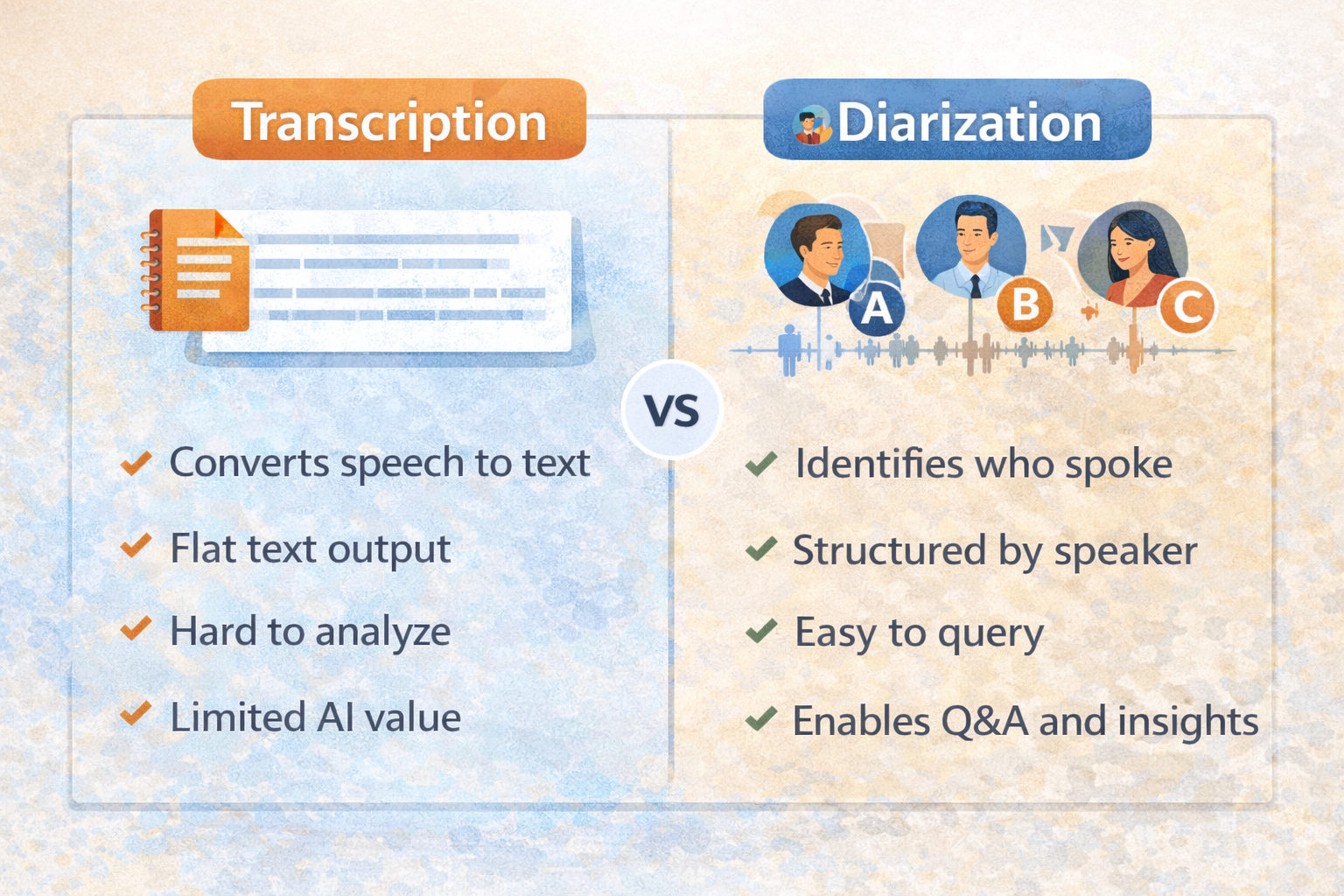
Diarization vs traditional transcription
This confusion is common, so let’s clear it up.
Frequently asked questions about diarization
What is diarization in AI?
Diarization in AI is the process of automatically identifying and separating speakers in an audio recording.
What is the difference between transcription and diarization?
Transcription converts speech to text, while diarization adds speaker identification, showing who said what.
Can diarization be used for meetings?
Yes. Diarization is especially useful for meetings where decisions, commitments, and responsibilities matter.
Is diarization accurate?
Modern AI models achieve high accuracy, especially in structured recordings like meetings and interviews.
Can I ask questions directly to audio recordings?
With tools like QAnswer, yes. Diarization enables conversational Q&A over your recordings.
Is diarization secure for enterprise use?
When powered by open-source and on-prem deployments, diarization can fully meet enterprise security needs.
Final thoughts: your audio already has the answers
Your recordings are full of insights.
The problem was never the lack of information — it was access.
Diarization turns hours of audio into structured knowledge you can search, question, and trust. With QAnswer, you don’t just store recordings. You unlock them. Combine this with our Chat interface to interact with all your knowledge — audio, documents, and more — in one place.
And once you experience asking a question instead of replaying a recording, there’s no going back.
👉 Ready to try it? Start here: https://www.app.qanswer.ai/
👇 For more practical tips on enterprise AI, explore our new playlist on YouTube.
Back to Blog
The AI platform that works.
Try for free today